
Lost or Damaged? Here’s What to Do
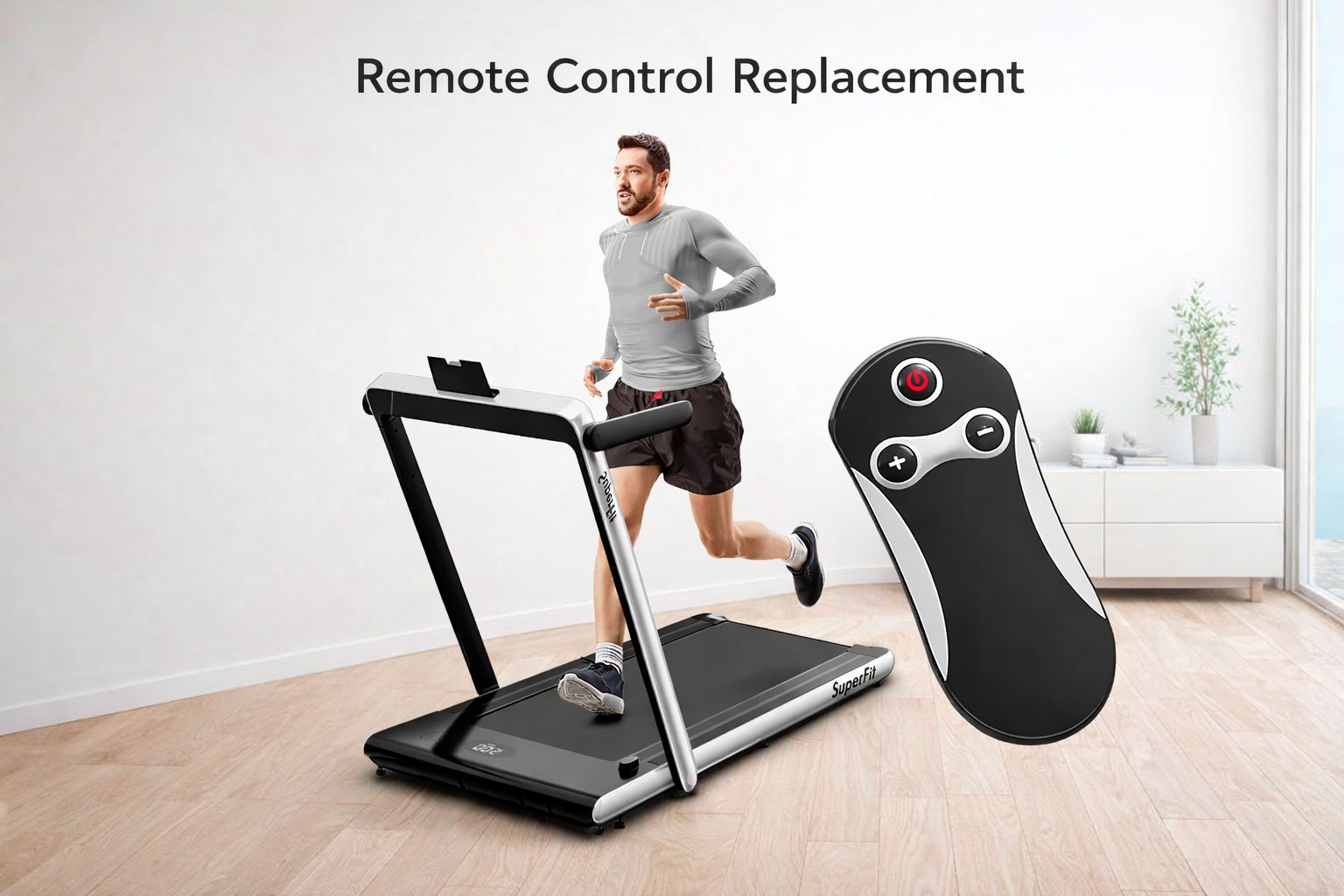
A remote control is a small device, but for many SuperFit treadmill and walking pad models, it’s the heart of daily operation. You use it to start, stop, and adjust speed smoothly without bending down or interrupting your workout.
But let’s be realistic — remotes can break.
Sometimes a dog chews it. Sometimes a child plays with it and it disappears. Sometimes it gets lost during a move. And occasionally, it simply stops working after years of use.
The good news: a replacement remote control for SuperFit treadmills is always available. You don’t need to replace the entire machine. Just pair a new remote and you’re back to training.

Why a Replacement Remote Makes Sense
The GOPLUS / SuperFit replacement remote is identical to the original version supplied with many compatible treadmill models. That means:
• Same button layout
• Same infrared control system
• Same speed adjustment and start/stop functions
• No learning curve
It’s designed specifically for compatible SuperFit and Goplus treadmill ASIN models, so there’s no need to worry about complicated setup or programming.
Control Range and Accuracy
The remote uses infrared technology with:
• Up to 33 ft control distance
• 360-degree effective angle
• No need for perfect alignment
As long as you’re within range, the treadmill responds quickly and reliably.

How to Install the Battery
Before pairing, install the battery correctly. The remote uses a CR2032 button battery.
Steps:
- Remove the white insulation tab (if present).
- Pry open the battery cover on the back of the remote.
- Insert the CR2032 battery correctly (check polarity).
- Close the battery cover securely.
Once installed, the remote is ready for pairing.

How to Pair the Replacement Remote
Pairing is simple and takes less than a minute.
Follow these steps:
- Unplug the safety lock from the treadmill.
- Within 10 seconds, point the remote at the treadmill display window.
- Press and hold the Start / Pause button for about 3 seconds.
- When you hear a beep, pairing is successful.
After that, you can control speed, start, and stop functions normally.

Everyday Convenience
The remote allows you to:
• Start and stop instantly
• Adjust speed smoothly
• Control your walking pad while standing
• Avoid bending down to the panel
Buttons are designed for long-term durability, rated for tens of thousands of presses. The PET material body resists temperature changes and daily wear.
When Should You Replace the Remote?
Consider a replacement if:
• Buttons stop responding
• The remote was physically damaged
• You lost it during a move
• It no longer pairs properly
• Your treadmill only supports remote speed control
Replacing the remote is far more affordable than replacing the treadmill — and it restores full functionality immediately.
Final Thoughts
The SuperFit treadmill remote control may be small, but it plays a big role in your workout routine. If it’s lost, broken, or simply worn out, a replacement remote keeps your machine usable and your routine uninterrupted.
Daily movement should stay simple. And with a properly paired replacement remote, it does.